 ClefSnap
Transpose sheet music to any key
Rewriting a song in another key by hand takes an evening and invites mistakes. Scan the page with ClefSnap, and the notes and key signature move together, respelled to suit the new key.
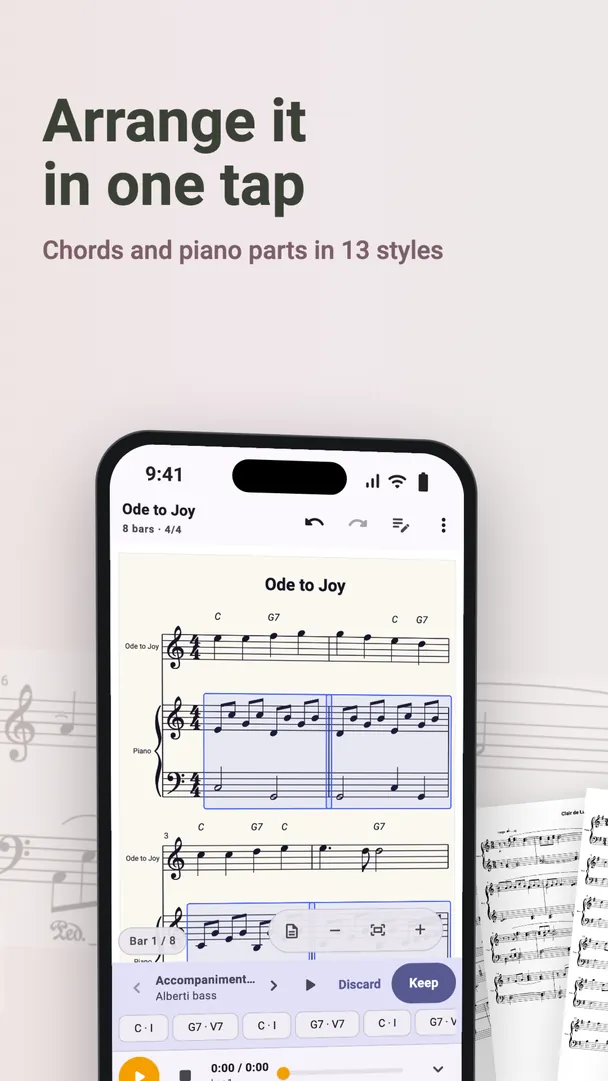
How to transpose a printed score
- Scan the page, or open a score from the library.
- Open the score in the editor and transpose it to the key you need.
- Press play to check how it sounds in the new key.
- Export or share the result as a PDF, or perform from it on your phone.
When you need to change the key
For singers. If the top note is out of reach, try the song a tone or two lower. Choirs often do the same for a tired evening or a high hymn.
For transposing instruments. Parts for these instruments are written at a different pitch from the one they sound:
| Instrument | Sounds | So write the part |
|---|---|---|
| B♭ clarinet, B♭ trumpet | A major second lower than written | A major second higher than concert pitch |
| E♭ alto saxophone | A major sixth lower than written | A major sixth higher than concert pitch |
| F horn | A perfect fifth lower than written | A perfect fifth higher than concert pitch |
In ClefSnap, choose the instrument's tuning for the part, such as B♭ or E♭, and the app writes it at the right pitch. A concert pitch view shows every part as it really sounds, which helps when you are comparing parts.
For accompanists. If a soloist asks for a different key at short notice, a transposed copy is a few taps away.
Make parts from a full score
ClefSnap can change instruments and open each instrument's part on its own, so one scanned score can become a set of parts for a band or a small ensemble.
Sharing and exporting a transposed score is part of ClefSnap Premium.