 ClefSnap
Hear how your sheet music sounds
Not sure how a passage should go? Photograph the page and let ClefSnap play it to you, as slowly as you need, and as many times as it takes.
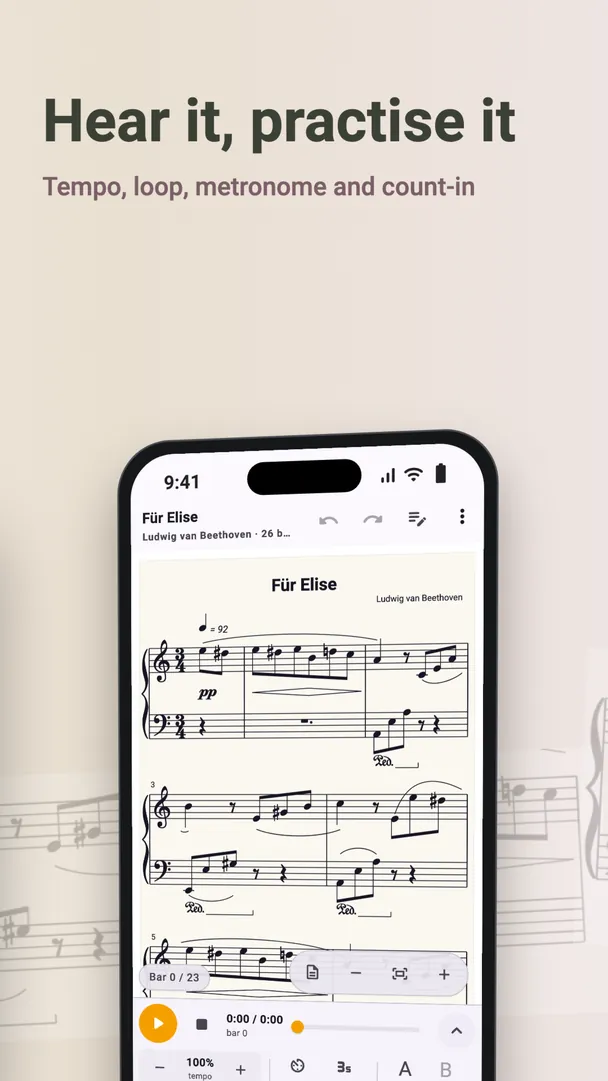
A sheet music reader that plays what it reads
Once a page is scanned, it is a real score, so ClefSnap can play it with sampled instrument sounds. Each part sounds like the instrument it is written for, and you follow along on the page as it plays.
Practise with it
- Slow it down. Set the tempo and learn a hard passage at a speed you can manage.
- Loop a passage. Repeat just the bars you are working on.
- Add a metronome and a count-in. Start in time, and stay in time.
- Mute or solo each part. Hear your line alone, or leave it out and play along with the others.
It follows the road map
Repeats, first and second endings, D.C., D.S. and coda are followed, so you hear the piece in the order it is meant to be played. If you are still learning how those signs work, this is an easy way to hear them in action.
Good for learning to read music
Hearing a line while you look at it is one of the simplest ways to connect the notes on the page with their sound. Sing along, or clap the rhythm, then try it without help.
What if a note sounds wrong?
Compare the bar with your printed page. If the scan misread something, tap the note and fix it in the editor. ClefSnap also marks the bars it was unsure of, so you know where to look first.