 ClefSnap
Convert a PDF or photo to MusicXML
A PDF is only a picture of music. MusicXML is the music itself, in a form notation software can edit. ClefSnap converts printed pages on your phone, with no upload.
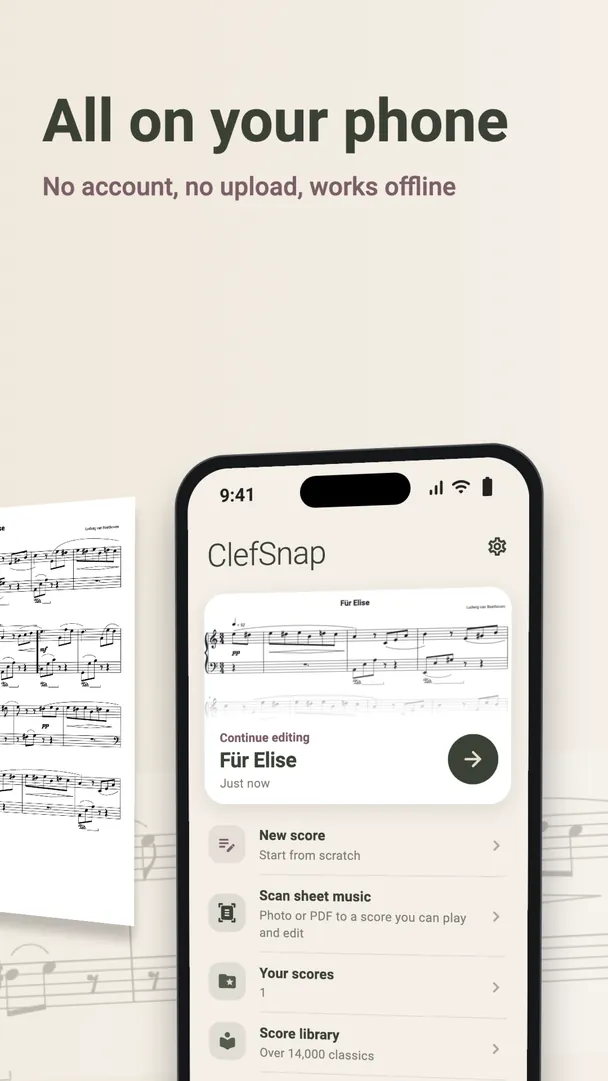
How to convert a score
- Import the PDF, or photograph the printed page.
- Answer ClefSnap's questions about any bars it is unsure of, and listen through.
- Make any corrections in the editor.
- Export as MusicXML or compressed MusicXML, and send the file to your computer.
Where you can open it
MusicXML is the common exchange format for notation software. MuseScore, Dorico and Sibelius can all import it, as can many other notation programs. ClefSnap can also open MusicXML files, so a score can go in both directions.
Scan first, then edit where you are comfortable
Retyping a score note by note is slow. Converting it first gives you a starting point, so you only have to check and correct it. Different programs lay out the same file in their own way, so expect to tidy spacing and page breaks once it is open.
When to use MIDI instead
Use MusicXML to keep the notation. Use MIDI if you only need the performance data for a music program. Here is how the two compare.
Export is part of ClefSnap Premium, and so is PDF import on some devices.