 ClefSnap
Convert sheet music to MIDI
A MIDI file lets a piece of printed music play in your music software or on a digital instrument. ClefSnap makes one from a photo or a PDF, right on your phone.
Get it on Google PlayComing to iPhone and iPad.
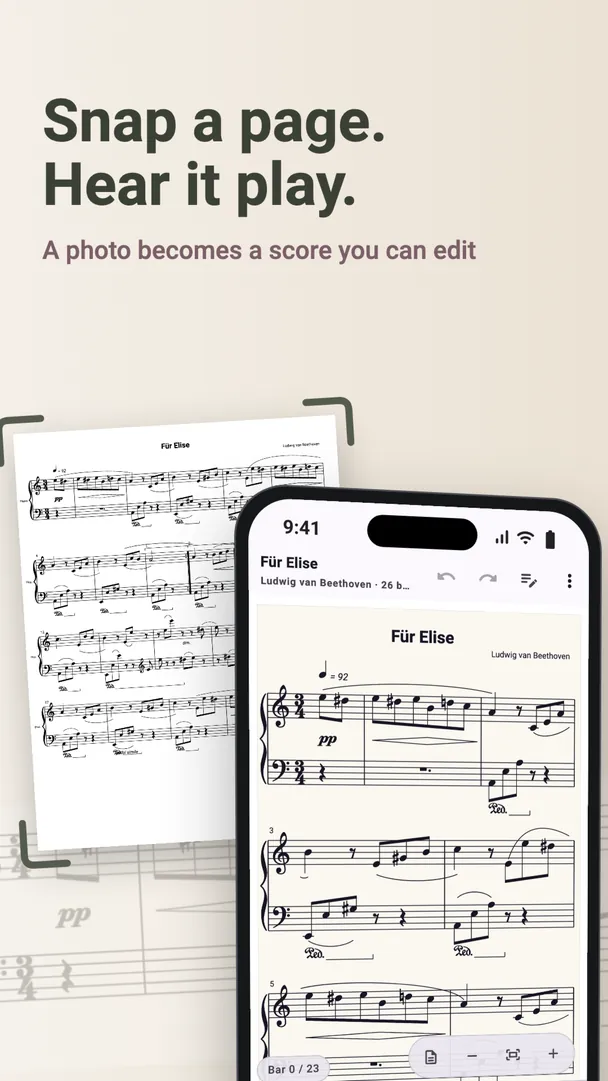
From a page to a MIDI file
- Scan the page or import the PDF.
- Listen to the result, and answer any questions about uncertain bars.
- Fix anything that needs it. It is easier to do this now than in a piano roll later.
- Export as MIDI, and send the file wherever you like with your phone's share sheet.
What you can do with the file
- Open it in a music program such as GarageBand, Logic Pro, Ableton Live or FL Studio
- Give the parts new sounds, or build a backing track around them
- Play it on a digital piano or sequencer that reads MIDI files
- Bring the notes into a practice app
MIDI or MusicXML?
MIDI is about what is played: which note, when, and for how long. If you want to keep working on the notation itself, with its spelling, layout and lyrics, MusicXML is the better choice. See the differences side by side.
Just want a recording?
ClefSnap can also export WAV audio: the score as the app plays it, ready for any audio player or message.
Export is part of ClefSnap Premium.