 ClefSnap
Learn your choir part at home
Between rehearsals, the printed score does not sing back. Photograph your copy, and ClefSnap can play your line by itself or with the other voices around it.
Get it on Google PlayComing to iPhone and iPad.
How singers use it
- Scan your pages at home or at the end of a rehearsal.
- Open the mixer and solo your part to hear it alone.
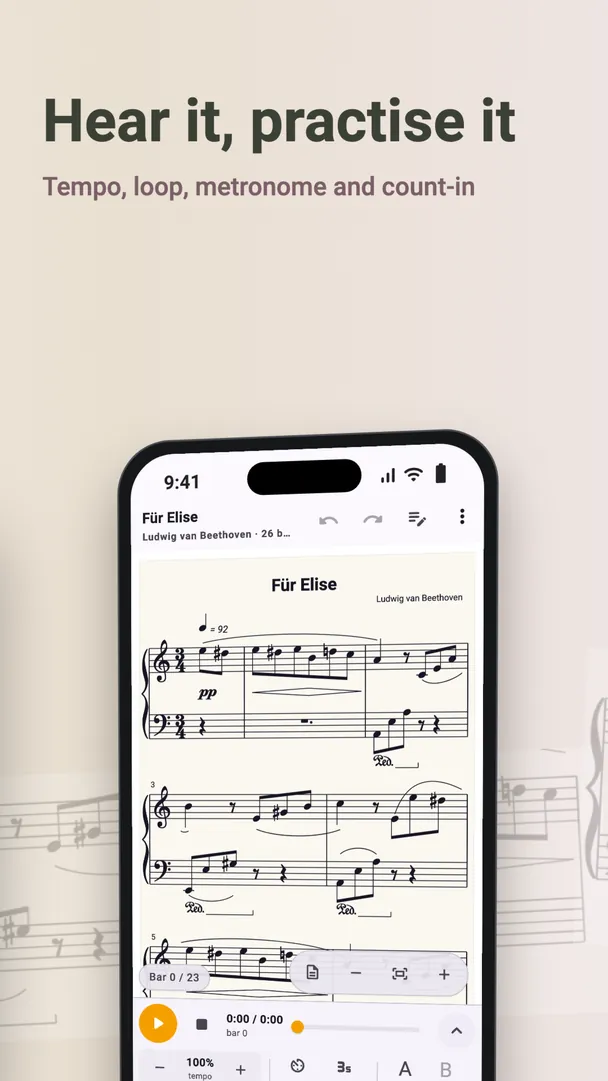
- Slow the tempo down, and loop the bars that keep catching you out.
- When you are ready, mute your part and sing it against the other voices.
For choir directors
- Transpose a piece to suit your choir on the day.
- Revoice an arrangement for the voices you actually have.
- Make a piano reduction to help with rehearsals.
- Write a four-part chorale from a melody.
Choir music and hymns already in the app
The built-in library of public-domain music includes hymns, songs and choral works, so you may not need to scan at all.
Check the lyrics
ClefSnap reads lyrics along with the notes, and playback uses instrument sounds, so it plays your pitches and rhythm rather than singing the words. If a word looks wrong, you can correct it in the editor.
Please respect copyright: scan your own copies for your own practice, and check before sharing music that is still protected.